A Parent's Guide to Roblox: Safety, Settings, and Game Choices

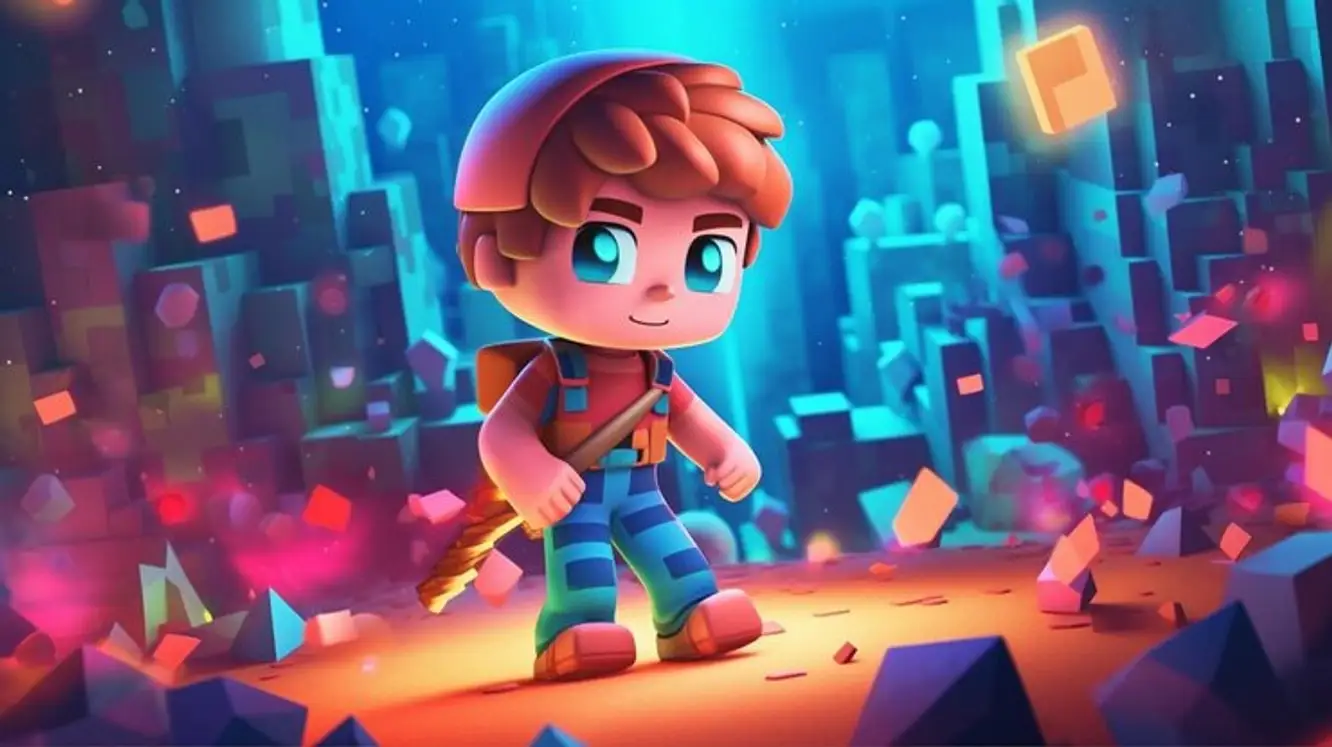
With millions of user created experiences to play in, Roblox can seem like a giant video game playground with limited instruction before kids dive in. Luckily, tools for keeping gaming time safe, age appropriate, and manageable start with safety settings, account controls, and choosing games that fit your family’s needs.
Understanding Roblox
First, it helps to know that Roblox is a platform made up of individual games. Users can both create and visit experiences on Roblox, meaning games are constantly being made and updated. From there, it’s possible to find thousands of games that fit into nearly every category and interest.
Your child could easily visit a calm building simulation then return to find a friend in an unpredictable action game. Since each experience is different, taking time to understand search features, communication tools, and content labels is key.
Creating a Child Friendly Account
Setting up the account with your child can make Roblox safer. Starting with their birthdate allows the platform to pre-populate appropriate safety restrictions. It’s also wise to review privacy, chat, and spending settings before your child starts playing games.
● Enable parent safety controls before game play begins.
● Decide who can communicate with your child.
● Limit who can join sessions with your child.
● Turn off the ability to purchase or restrict spending permissions.
● Create a strong password your child does not know.
● Verify linked email addresses so you can recover account if lost.
While these steps do not eliminate every risk, they can help avoid surprises. Take time to explore the platform with your child and tweak rules as they learn more about gaming on Roblox.
Games Make a Difference
Roblox games will have different styles and levels of interaction. Apps like Roblox are unique because kids can swim in calm creativity or dive into intense competitions full of jump scares and social pressures. Take a look at the summary, player count, and reviews before letting your child play a new game.
It can even be worthwhile to visit new games with your child at first. Doing so allows you to see if the speed, visuals, and language are suitable for them. Giving your child the opportunity to ask to join new games can teach them to take caution with where they play.
Understanding Safety Controls
You may be wondering how robust Roblox safety controls really are. The answer is that they work well as parental tools because parents have options to manage communication and profile visibility. Kids can still enjoy games without having the entire platform restricted.
● Privacy allows you to limit who can message your child.
● Manage who can follow or send invites to your child’s profile.
● Voice chat should be reviewed before enabled.
● Additional filters limit content that doesn’t match your child’s maturity level.
● Enable device parental controls when given the option.
● Review safety settings after major updates or changes to the account.
Safety controls aren’t perfect, but open dialogue with your children will help. Players should know it’s always ok to ask you about strangers or report any player who makes them feel uncomfortable.
Talking to Kids About Online Safety
Kiddos will spend a lot of time focusing on game play. Encourage them to be cautious of who they share information with online. School names, addresses, phone numbers, and real-time locations should not be given to anyone else online, even if they feel like friends.
Predators and hackers can also pretend to be kids your child knows. Teach your children about scams. Links, free item codes, and random giveaways are reported daily on gaming platforms. Remind kids if a gift seems too good to be true, they should ask you first.
Monitoring Purchases and Trading
If you haven’t heard, kids love buying stuff on games they play. Roblox allows in-game purchases which can accumulate if spending controls are not reviewed. Ensure that you are comfortable with the payment options connected to your child’s account. Decide if you would like to authorize purchases or prevent spending altogether.
Children also fixate on items. Some kids love collecting virtual items or improving their avatar. Attempting to keep up with the cool kids can lead to fights over who has more or which account is best. Parents comparing accounts for sale or wanting to buy Roblox accounts should understand Roblox’s rules on ownership.
● Understand if purchases are tied to credit cards or gift balances.
● Discuss real money spending vs. virtual wallet funds.
● Rare items do not mean your child will dominate the game.
● Trading pressure can happen from other kids too.
● Accounts for sale do not always follow marketplace rules.
● Compare expectations to reality when researching accounts.
Children will have a more enjoyable time if they understand spending isn’t limitless. Teaching kids about spending caps and removal prior will prevent tears when they can’t purchase that next must-have item.
Game Considerations
As a parent, you likely know your child’s skill and attention spans. Roblox games that require reading every direction may fly over your toddler’s head. Speed is another consideration. Roblox games that rush through text or instructions aren’t ideal for young players.
Ease of use should also be evaluated. Logging into games that feel complicated or don’t load properly can scare your child away from trying again. Roblox games with simple interfaces and minimal reading work well for kids.
Fun and Family Time
Roblox is an entertaining way for children to play, but parents should still set time limits. Encourage your child to take breaks so gaming doesn’t interfere with sleep, school, or spending time away from friends online. When kids know how long they have to play each day, they tend to pause without fuss.
Try viewing games with your child. Asking questions about the games they like shows interest in their hobbies. Roblox can become a bonding activity instead of something to hide in their room.
Some parents browse ACC.SHOP because they want to skip grinding for their kids. While buying game accounts saves time, players often face risks like scams when deciding to buy Fortnite, Roblox, or VALORANT accounts. Don’t get tricked into thinking an account full of rare items is usable. Websites offering gaming accounts for sale might seem reliable until you receive stolen information or a banned account.
Growing up - Keeping Contact
Your child will grow and change as they spend more time on Roblox. What works when they are eight may not suit them at fifteen. Update privacy settings as your child grows so they aren’t limited or given total freedom over their online safety.
Parental oversight is the best tool you can give your child. Demonstrating you are capable of navigating their gaming world allows kids to enjoy the fun without feeling like you don’t trust them. Children should see you playing and learning about games they like.

Blox Fruits Value List 2026: What’s a Physical Kitsune Really Worth?
Blox Fruits Value List 2026: What’s a Physical Kitsune Really Worth?
The Most Lucrative Ways to Earn Robux Without Getting Scammed
The Most Lucrative Ways to Earn Robux Without Getting Scammed
Best Anime Fighting Games on Roblox You Need to Try Right Now
Best Anime Fighting Games on Roblox You Need to Try Right Now
Stay updated with our latest offers and promotions by subscribing to our newsletter. Create an account on ACC.SHOP and receive an exclusive discount code for your next purchase.