Essential Crosshair Settings Used by Valorant Radiant Players


There is no magic crosshair that makes Radiant players win, but their settings tend to be clear, consistent, and confident. Even small visual decisions can help you pay less attention to your crosshair and more attention to your target. For that reason, we dug into what the pros actually use.
Setting Matters
Your crosshair contributes to how fast you acquire targets and how much you trust your aim. That is why most Radiant players prefer simpler settings. Less on-screen clutter lets them react faster in fights.
Plus, the best settings tend to complement your muscle memory instead of fighting against it. When your crosshair becomes predictable, you worry less about your reticle position and more about reading enemy movement, peek angles, and landing easy kills.
Commonalities Between Radiant Crosshairs
Radial players typically prefer crosshairs that are visible on screen without obstructing too much of head level. They also typically prefer:
● Simple shapes with visibility at the center of the crosshair.
● Thin lines that allow for precise shots.
● Colors that aren’t washed out by most map luminance.
● Small gaps that allow for easy head-level alignment.
● Minimal movement to the design.
Shapes, colors, and effects are less important than how your crosshair matches your own tracking style, sensitivity, and comfort. These settings should help you perform better in long ranked sessions.
Common Things Pros Avoid
Radiant players generally avoid crosshair settings that cause noise around the bullet hole you are trying to aim at. Your crosshair can look awesome on paper but irritate you during games if it obscures heads or makes tracking more difficult during quick movements.
Similarly, you will rarely find professional players who use thick outlines, oversized dots, or too many fancy motions effects. The motion may look cool, but most pros only use settings that they know for certain help them. They prioritize clean, readable information over flashy designs.
Common Colors Used
Pick a color that you know you will see on any map. Because Valorant’s maps transition from very light rooms to very dark rooms, you should pick a color that contrasts enough to be visible on both. Many Radiant users find this in green, cyan, white, or yellow, but your monitor may affect this too.
● Green usually contrasts nicely with darker parts of maps.
● Cyan creates a nice contrast without spreading too much.
● White will rarely ever blend in with your background.
● Yellow provides a nice contrast with many situations.
● Bright red may appear in things you hurt/kill.
Remember that color only helps if you can look at it for hours on end without getting distracted. If your eyes start to feel fatigued by a color, it could be detrimental to your performance. Choose a color that you know you won’t mind looking at all day.
Gap Size and Thickness
The gap size determines how much blank space is in the middle of your crosshair. Some players like smaller gaps, while Radiant users will usually find themselves somewhere in the middle.
Line thickness works on similar principles. thinner lines leave more blank space around your target, while thicker lines may be easier to track but also block out more of your screen. Aim to find a happy medium that works for you.
Setting Your Ideal Crosshair
Ideally, you should only change one setting at a time. Practice with those bots, then jump into deathmatch(unranked) with your new crosshair. If you are landing clean first shots, the crosshair is most likely working for you.
Your crosshair should not distract you during any type of aim movement. Whether you are flicking, holding, or making wide swings your crosshair should not cause you to second guess your aim. If your crosshair looks nice but you cannot land shots, you likely need to simplify your settings.
● Take your time adjusting your settings.
● Make sure your crosshair works on bright and dark textures.
● Test your crosshair during bot round before deathmatch.
● Practice your flicks and see if you land consistent shots.
● Make sure you’re comfortable with your settings.
Each player has their own preference for where their crosshair centers and what surrounds the crosshair. Use pros as a starting point, but always fine-tune your crosshair to how you want to play.
Consider Your Role
Think about the position you typically play in your team’s strategy. As an Entry fragger, you may prefer less on your screen to allow for quicker swings. As an Anchor, you may prefer something a little more to give yourself a reference for tighter angles.
Start simple with your settings and build off of what you see in game. Improving your skills with ACC.SHOP’s Valorant accounts for sale should go hand in hand with your aim. If you find yourself improving your performance, then your crosshair is working for you!
Adjusting your crosshair is something you can do when comparing bundles of buy Valorant accounts or browsing our stacked Valorant accounts. Whether your account is level 1 or level 200, your comfort matters most when tuning your crosshair.
How to Counter Every Sentinel Agent in Valorant Effectively
How to Counter Every Sentinel Agent in Valorant Effectively
The Best Valorant Weapon Skins Ranked by Sound and Animation
The Best Valorant Weapon Skins Ranked by Sound and Animation
Valorant Error Code 57
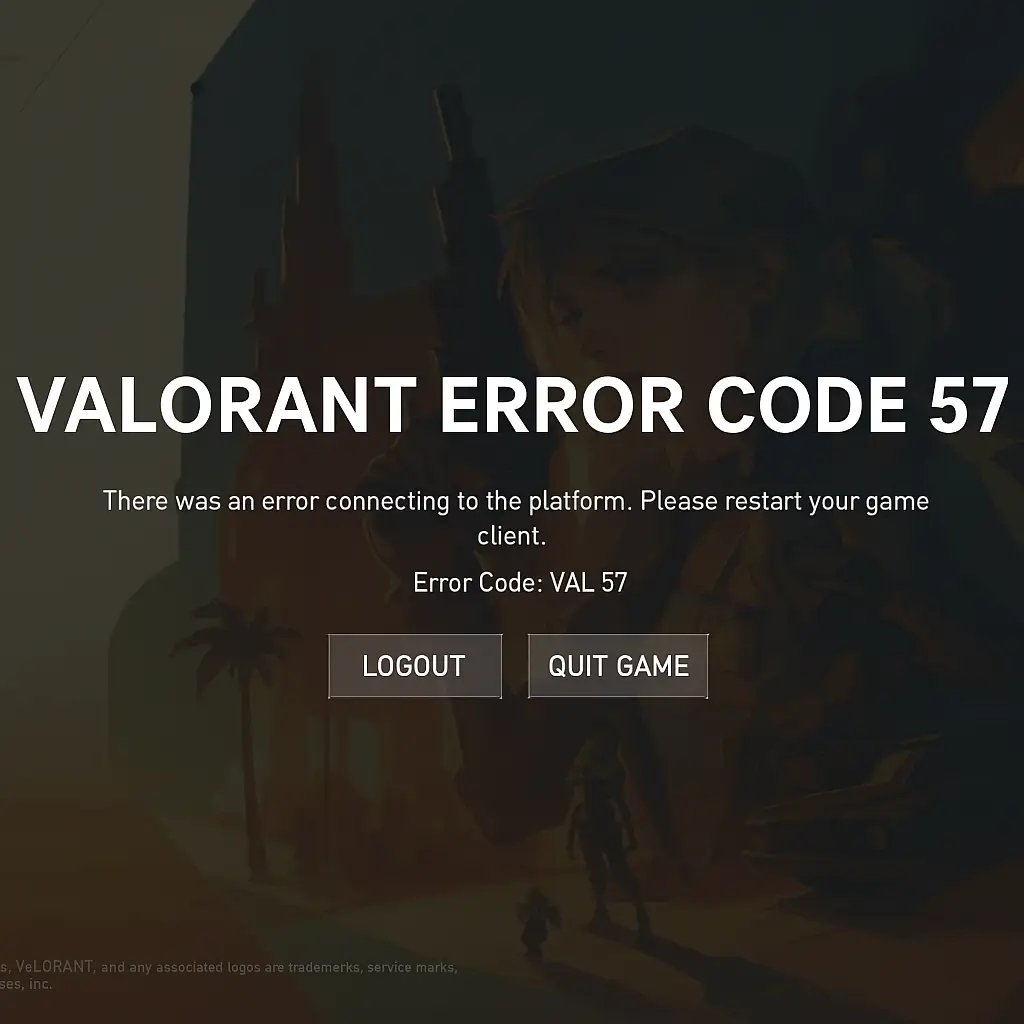
Valorant Error Code 57 is one of the most popular errors that are experienced by most players while trying to load the game. It often happens when there is an inability to initialize the anti-cheat component of Riot, called Vanguard. You will discover here the primary reasons and effective solutions for the error.
Stay updated with our latest offers and promotions by subscribing to our newsletter. Create an account on ACC.SHOP and receive an exclusive discount code for your next purchase.