Valorant Error Code 57

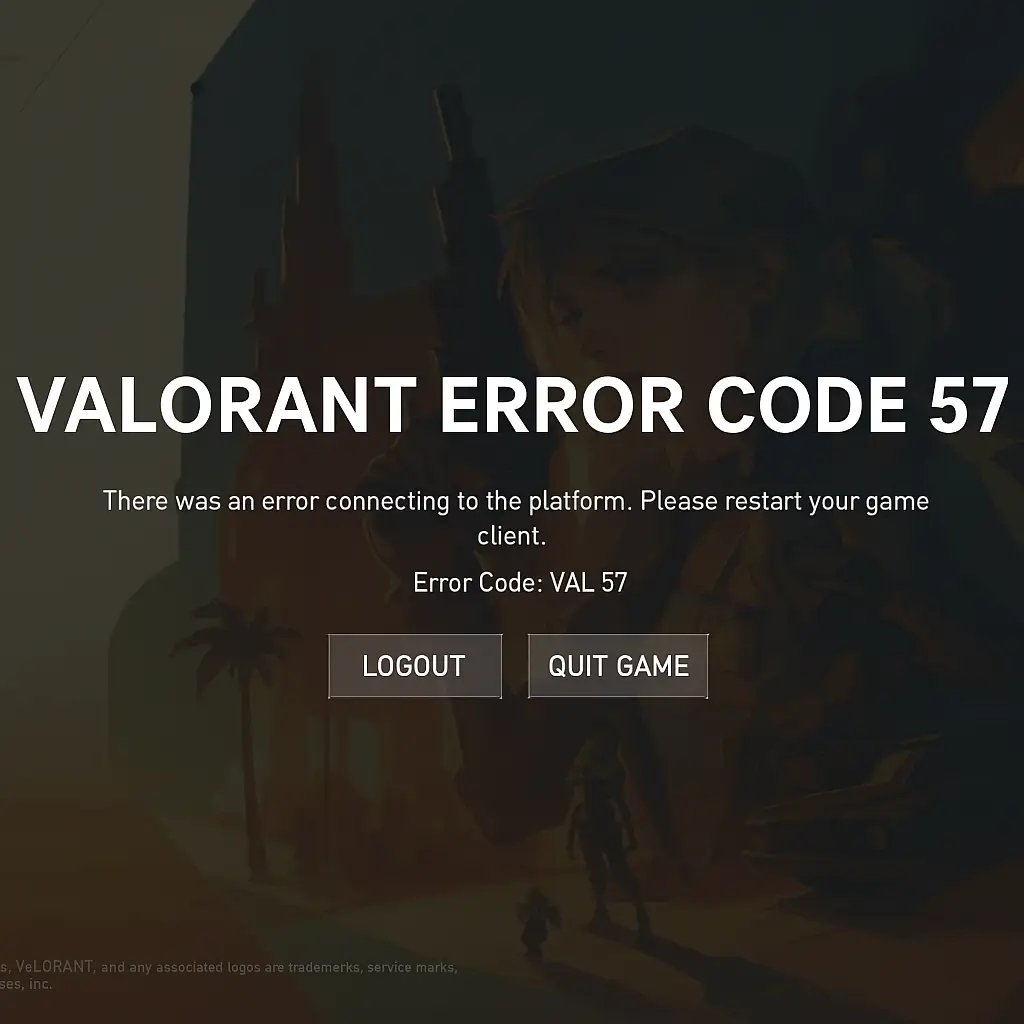
Valorant Error Code 57 is a common error that has faced numerous gamers while trying to launch the game. It occurs most frequently due to an inability to initialize the anti-cheat part of Riot, Vanguard. You will find here the key reasons and tried fixes for the error.
What Is Valorant Error Code 57?
Similar to the error above, the "Vanguard not initialized" message also happens, i.e., the game doesn't load because the Riot Vanguard service can't initialize correctly while starting up.
What Causes Valorant Error Code 57?
Your system may not have correctly initiated the Riot Vanguard service.
You may have restarted your PC and Vanguard did not load correctly.
Your antivirus software may be inhibiting or preventing Vanguard.
There may be missing or corrupted Vanguard files.
How to Fix Valorant Error Code 57
1. Restart Your Computer
In some instances, a system reboot can resolve the problem by correctly reinitializing Vanguard.
2. Start the VGC Service Manually
Open the Windows Start menu and enter “Services,” select the “vgc” service, right-click, and click “Start.” Try opening Valorant again.
3. Reinstall Riot Vanguard
Uninstall Riot Vanguard from the Control Panel > Programs. It will reinstall Vanguard automatically if you relaunch Valorant.
4. Check Antivirus Settings
Your antivirus software can be blocking Vanguard. Manually add the Vanguard folder to your trusted list or exclusion list for your antivirus software.
5. Run Valorant as Administrator
Right-click the shortcut to Valorant and select “Run as administrator” to avoid permission issues.
Other Possible Fixes
In case the above steps fail, use the following:
Check and install any available Windows updates.
Disable Secure Boot from the BIOS options (advanced users only).
Contact Riot Games Support and include your error logs for faster resolution.
Conclusion
Valorant Error Code 57 occurs when the Vanguard anti-cheat program is not initializing correctly. With the steps from this guide, the problem can easily be resolved by the player and they can resume their gameplay. However, if the problem persists, then contacting through official Riot support is the best option.
If you've fixed Error 57 but want a new edge, check out our Valorant accounts
We offer reliable, instant delivery and affordable prices on high-quality Valorant accounts.
Climb the ranks and play like a pro! 🏆
How to Counter Every Sentinel Agent in Valorant Effectively
How to Counter Every Sentinel Agent in Valorant Effectively

Essential Crosshair Settings Used by Valorant Radiant Players
Essential Crosshair Settings Used by Valorant Radiant Players

The Best Valorant Weapon Skins Ranked by Sound and Animation
The Best Valorant Weapon Skins Ranked by Sound and Animation
Stay updated with our latest offers and promotions by subscribing to our newsletter. Create an account on ACC.SHOP and receive an exclusive discount code for your next purchase.